A small business needs a CRM when leads start slipping through the cracks — missed follow-ups, scattered spreadsheets, or no visibility into who’s about to buy. A CRM (customer relationship management system) centralizes every contact and automates the follow-up you’re currently doing manually, or not doing at all. If you wonder whether your small business needs a CRM, the answer is most likely yes.
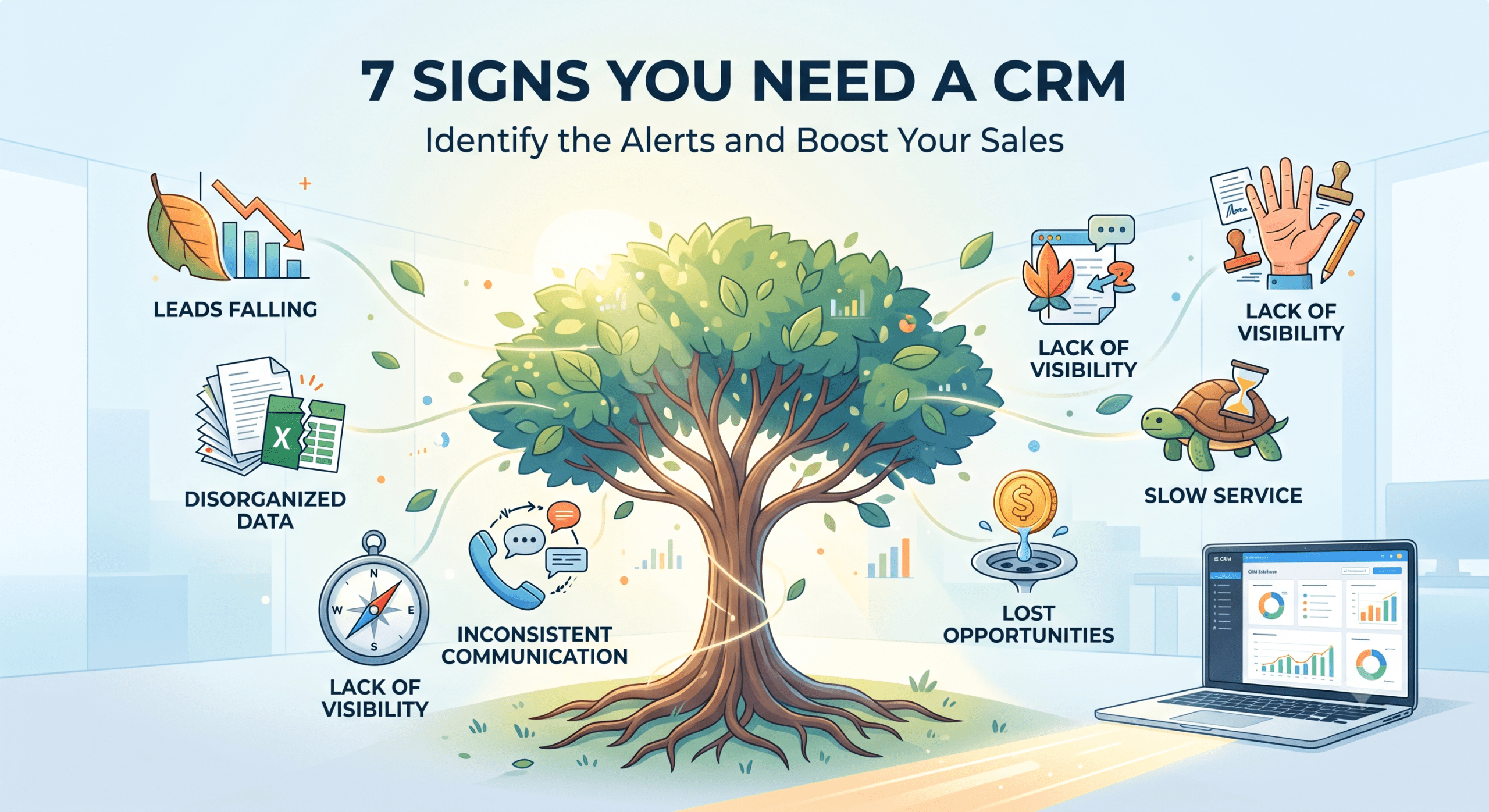
Below are the 7 clearest signs it’s time to stop tracking leads in your head, your inbox, or a spreadsheet — and what it typically costs you to wait.
Recognizing the signs that your small business needs a CRM can save you time and increase efficiency.
Ultimately, every small business needs a CRM to maximize lead conversion and sales growth.
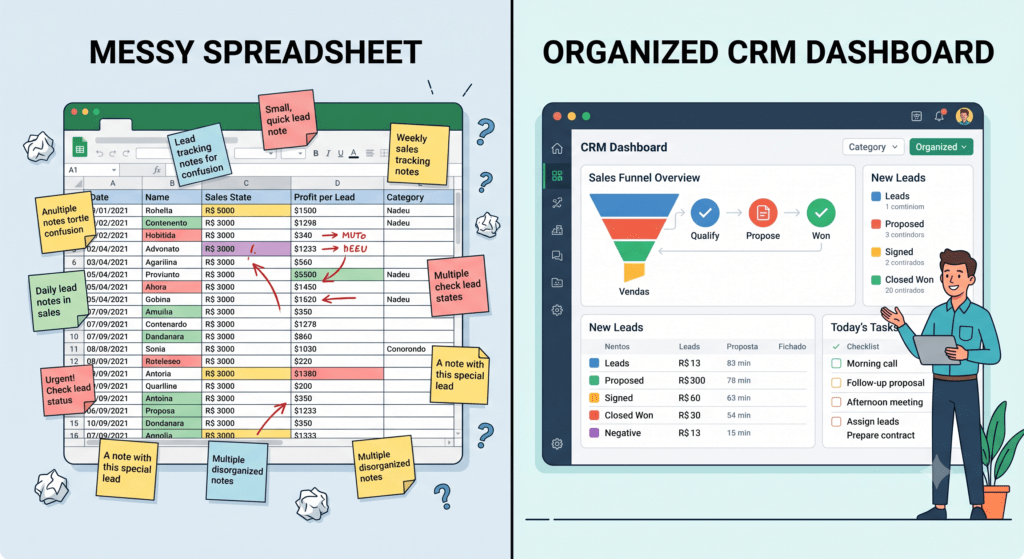
1. You’re Tracking Leads in Spreadsheets or Notebooks
If “the system” is a spreadsheet someone has to remember to update, leads get lost the moment things get busy. There’s no reminder, no automation, and no record of what was said last.
2. You Don’t Know Which Leads Are Close to Buying
Without a pipeline view, every lead looks the same — a $50 inquiry and a $5,000 opportunity sit in the same inbox with no priority signal.
3. Follow-Ups Depend on Someone Remembering
If you’re still on the fence about whether your small business needs a CRM, consider how much time and money you could be saving.
If a sale depends on a team member remembering to call back in three days, it will eventually get missed. A CRM automates that reminder — or the follow-up itself — every time.
4. You’re Losing Leads Because of Slow Response Time
Studies consistently show that leads contacted within 5 minutes convert far better than those contacted an hour later. Manual processes can’t hit that window consistently; automated CRM follow-up can.
5. Your Team Doesn’t Have Shared Visibility
If one person quits or goes on vacation, does anyone else know what was promised to which client? Without a shared CRM, that knowledge lives in one person’s head or inbox.
6. You’re Paying for Multiple Disconnected Tools
Many businesses learn that a small business needs a CRM to manage customer relationships effectively.
Separate tools for forms, email marketing, scheduling, and contacts mean data doesn’t talk to each other — and you’re paying multiple subscriptions to do what one CRM can do together.
7. You Can’t Answer “What’s Our Actual Conversion Rate?”
If you can’t say how many leads came in last month and how many became customers, you’re flying blind on marketing spend. A CRM tracks this automatically.
Don’t hesitate to explore options if your small business needs a CRM; the right system can transform your operations.
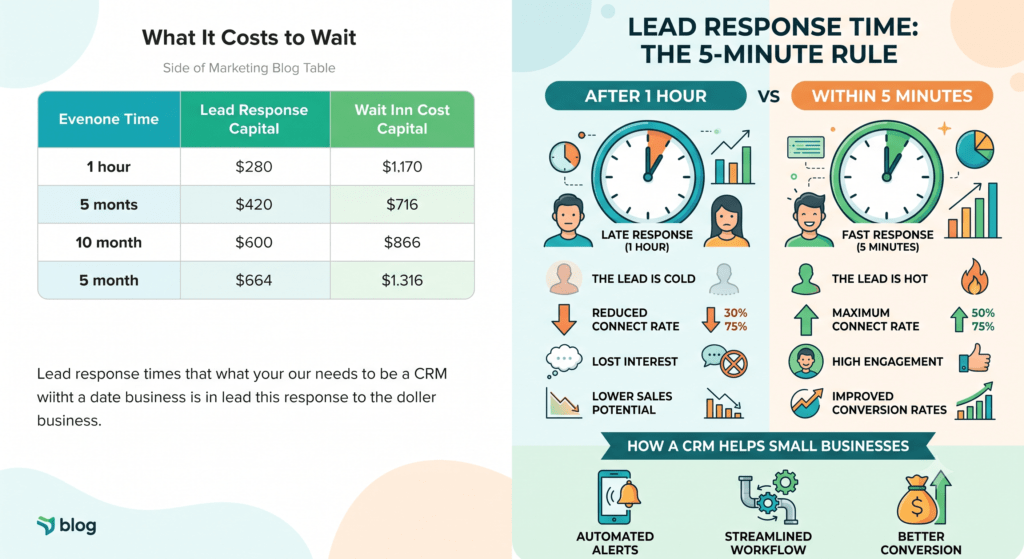
What It Costs to Wait
Investing in a solution when your small business needs a CRM can yield high returns in the long run.
| Problem | Cost of Not Having a CRM |
|---|---|
| Missed follow-up | Lost sale to a competitor who responded first |
| No lead prioritization | Time wasted on low-value leads instead of hot ones |
| No shared visibility | Dropped context when staff changes |
| Disconnected tools | Paying for 3–5 subscriptions instead of one system |
| No conversion tracking | Wasted ad spend on channels that aren’t converting |
How Much Time a CRM Actually Saves
As mentioned, every small business needs a CRM to ensure that no lead is left unattended.
Why Every Small Business Needs a CRM
Understanding the signs is crucial, as every small business needs a CRM to streamline processes and enhance customer relationships.
Most small businesses using a CRM report cutting manual follow-up work by several hours per week, since reminders, emails, and texts fire automatically instead of requiring someone to remember and send them manually.
If you find yourself overwhelmed, remember that your small business needs a CRM to streamline your workload.
Ultimately, if your small business needs a CRM, it’s a step toward smarter operations.
Every small business needs a CRM to properly track interactions and ensure growth.
Finding the right fit for your needs is essential, as every small business needs a CRM tailored to its unique requirements.
Quick Recap
- If leads live in a spreadsheet, an inbox, or someone’s memory, that’s the clearest sign you need a CRM.
- The real cost isn’t the software — it’s the leads and time lost while you wait.
- A CRM pays for itself the moment it saves one lead that would’ve otherwise been missed.
FAQ
How do I know if my business is too small for a CRM? Crm for a small business. There’s no minimum size — if you have more than a handful of leads per month and rely on manual follow-up, a simple CRM saves time and prevents lost sales regardless of business size.
What’s the difference between a CRM and just using email and spreadsheets? A CRM automates follow-up, integrate with every interaction in one place, and shows you which leads are close to converting — spreadsheets and email require manual tracking and have no automation or shared visibility.
How long does it take to set up a crm for small businesses? A basic setup (contacts, pipeline, and a few automations) can be running within a day; a fully customized system with automations, calendars, and integrations typically takes about a week, faster with a done-for-you setup.